01
Take a screenshot
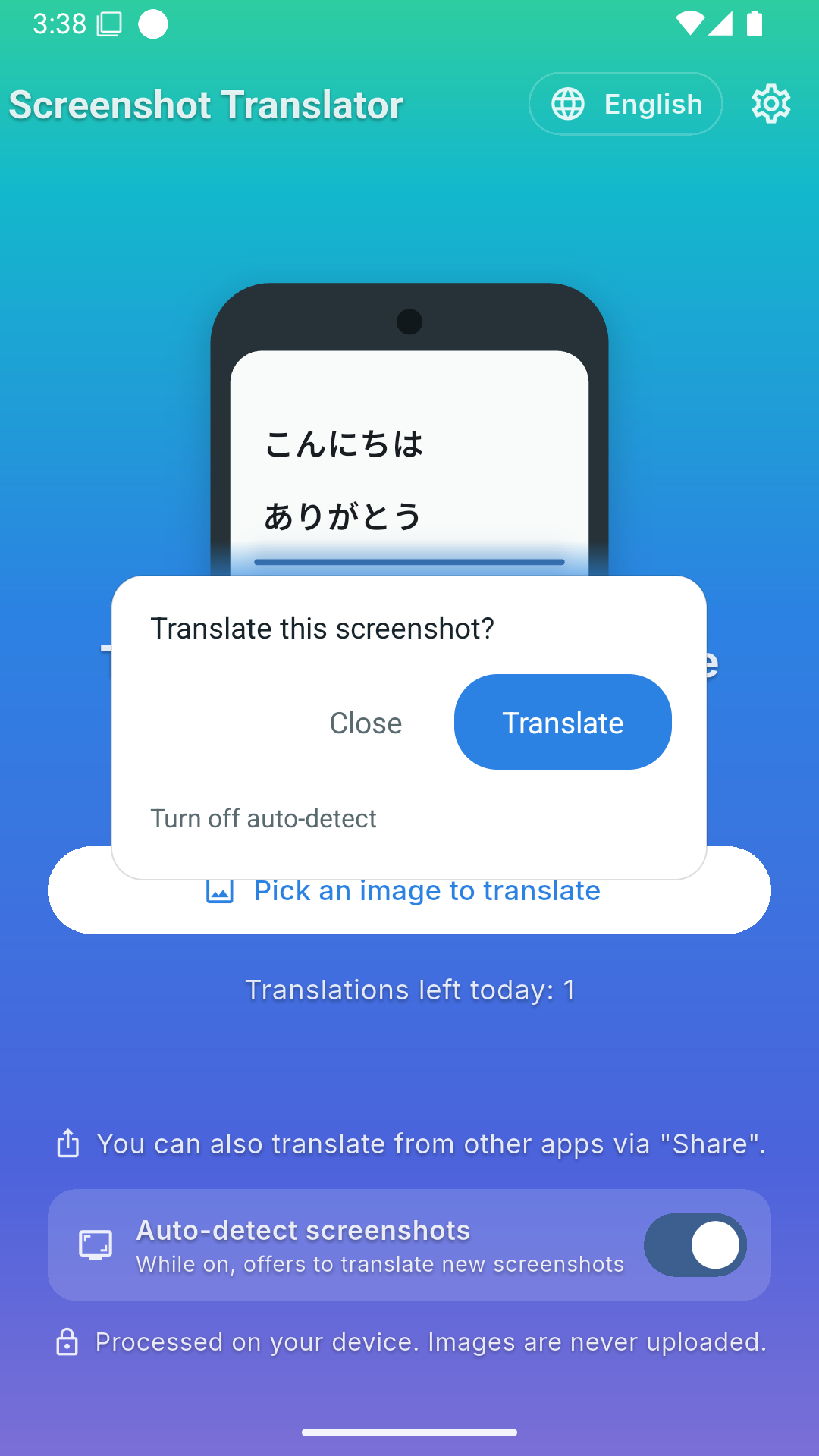
Share your screenshot to the app. Enable screenshot detection to get a translation prompt just after capturing it.

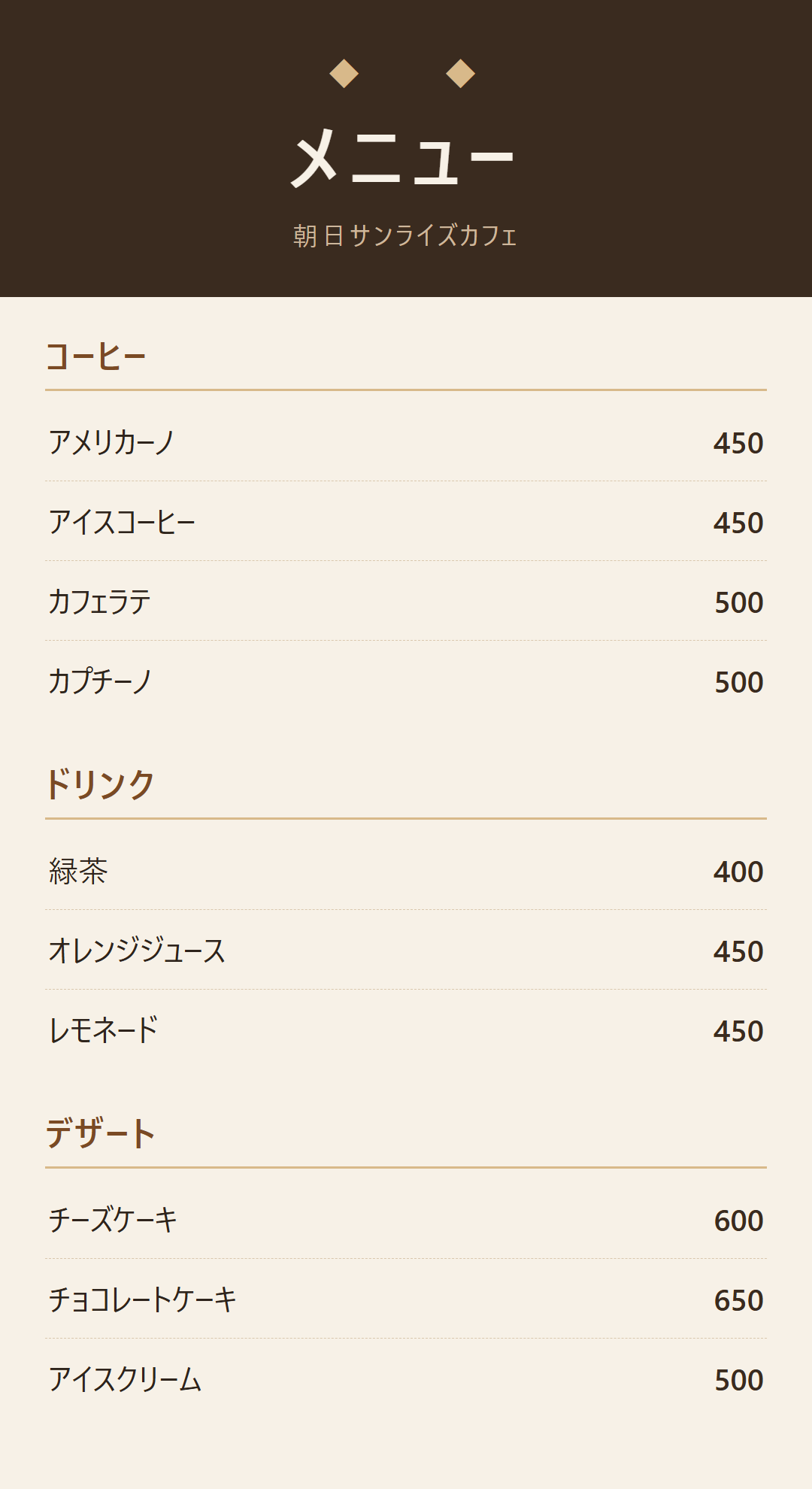
A Japanese menu. An unfamiliar screen.
See English translations right on your screenshots and photos.
Your images stay on your phone. So does translation.
Free to start · 5 translations a day · No account needed
For iOS, visit the App Store ↗Translate offline after the initial setup.
An internet connection is needed for initial language downloads and ads.
Background: AI-generated illustration of use. App screen: an actual translation example.
No need to type out every word.
Start with the screen you want to read.
Share your screenshot to the app. Enable screenshot detection to get a translation prompt just after capturing it.
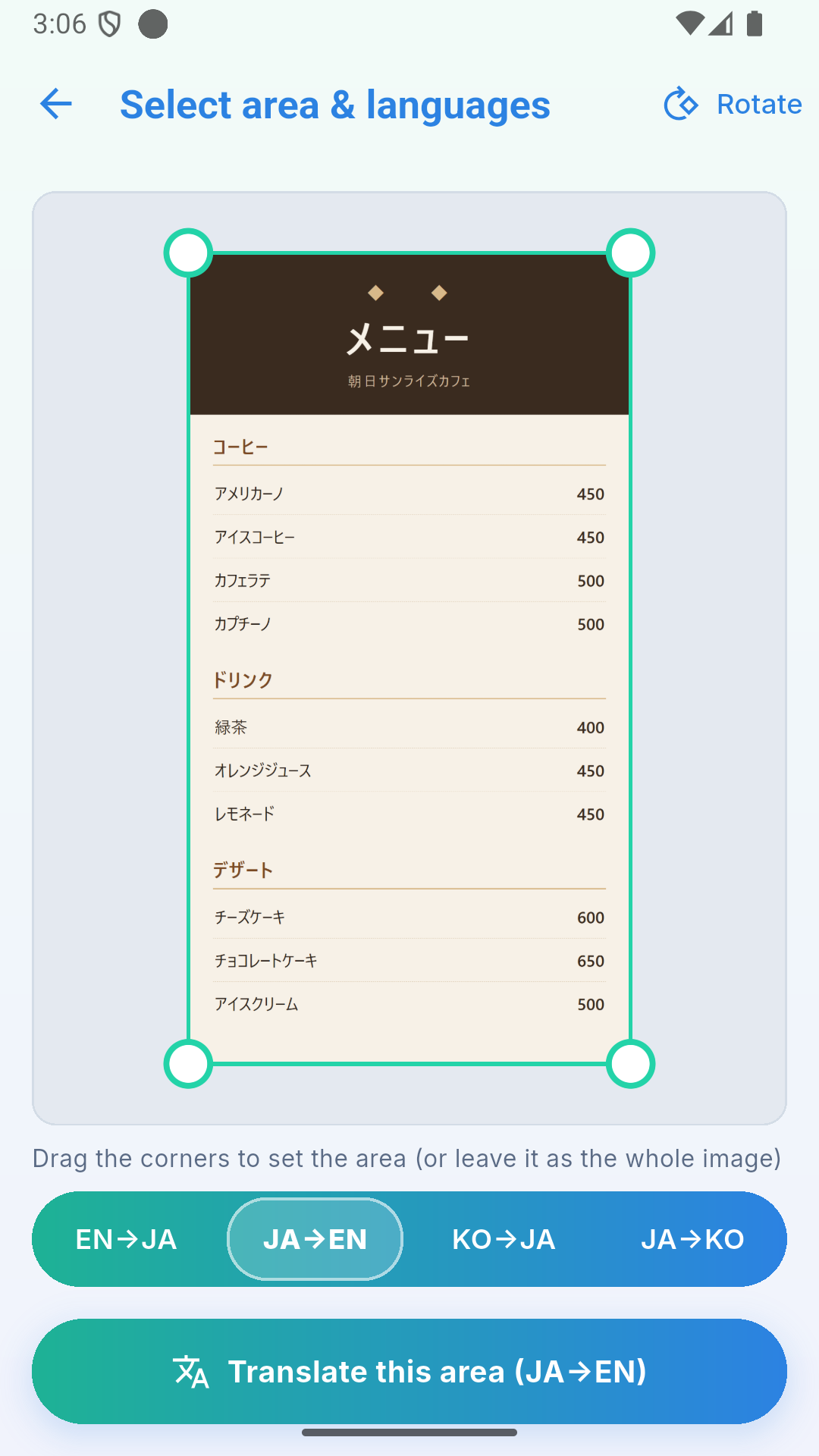
Frame the part you want to read and select Japanese → English. You can also translate the whole image.
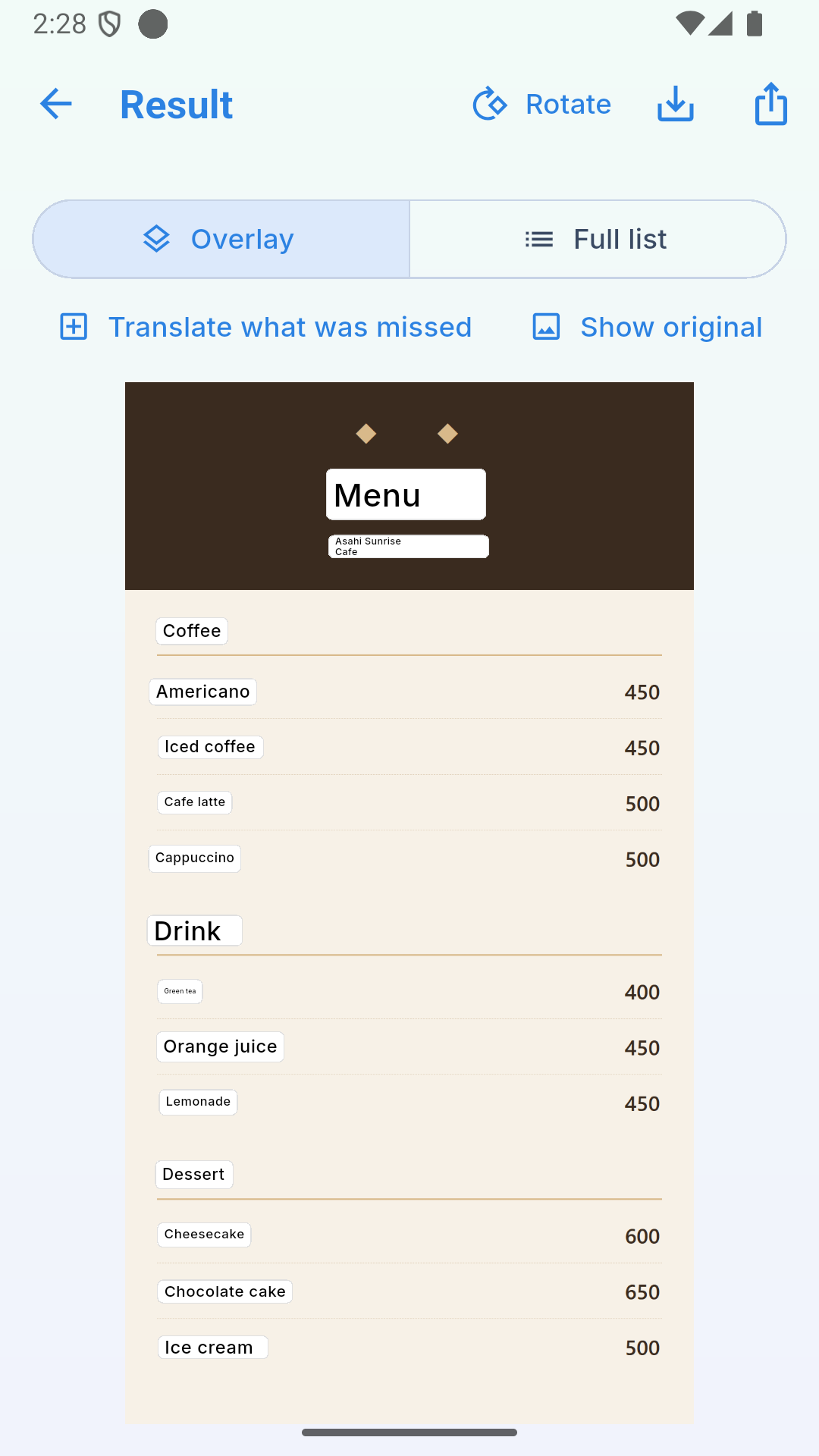
Tap Translate to see translations where the original words were. Read the full list, save the result, or share it.
Three scenes change every 6 seconds.
Translations sit on the original image, so there is less looking back and forth.
Make choosing your next coffee part of the fun.
Actual translation examples. Text recognition and translation results vary by image and wording.
Switch between original and translated text with one button. Choose an alternative translation, or type in text that was not recognized.
Try your own screenshot ↗Text recognition and translation both happen on your device.
Your images are not uploaded for translation.
Read screens containing personal information without sending the image away.
Translation, even without a connection.
Language data must be downloaded before first use. Ads also require a connection; this does not mean your images or translations are uploaded.
You cannot restore uses through ads while offline. If you choose to send translation feedback, only text is sent (optional; never images).

A café down an alley. A menu you have never seen.
Check the words that catch your eye,
then wander a little further.
Exploring Japan? Select a photo on your phone and read Japanese words in English.
Take a screenshot of a Japanese interface to understand buttons and settings in English.
Return to images you saved for later. Select just the part you need for help understanding it.
Free to start, with 5 translations every day.
Use it when you need it.
Ads require an internet connection. A one-time-purchase Pro option is planned for the future.
No. Text recognition and translation happen on your phone, and images are not sent out. If you choose to submit translation feedback, only text is sent.
Download the language data before first use, then translate even in airplane mode. Prepare it before your trip. Ads need a connection, so you cannot restore uses through ads while offline.
English ↔ Japanese and Korean ↔ Japanese are supported. Select your language pair before translating. The app interface language is separate from its supported translation pairs.
You get 5 free translations each day. When they run out, you can choose to watch an ad to restore uses. There are no always-on ads, and watching an ad is optional.
On Android, enabling screenshot detection shows a translation prompt after capture. Tap it to continue to translation. You can turn it off anytime. This feature is not available on iOS.
Select the missed area and type the text, or choose an alternative translation. Translation helps with everyday understanding. Korean proper names and specialist terms, in particular, may be translated differently from what was intended.
Yes. Select an existing photo from your gallery. You can also send an image from another app using Share or Open with. No account or login is needed.

Keep your images on your phone. Take translation with you.
Start with just one screenshot.
Free to start · 5 translations a day · No account needed
For iOS, visit the App Store ↗